No Cloud Upload
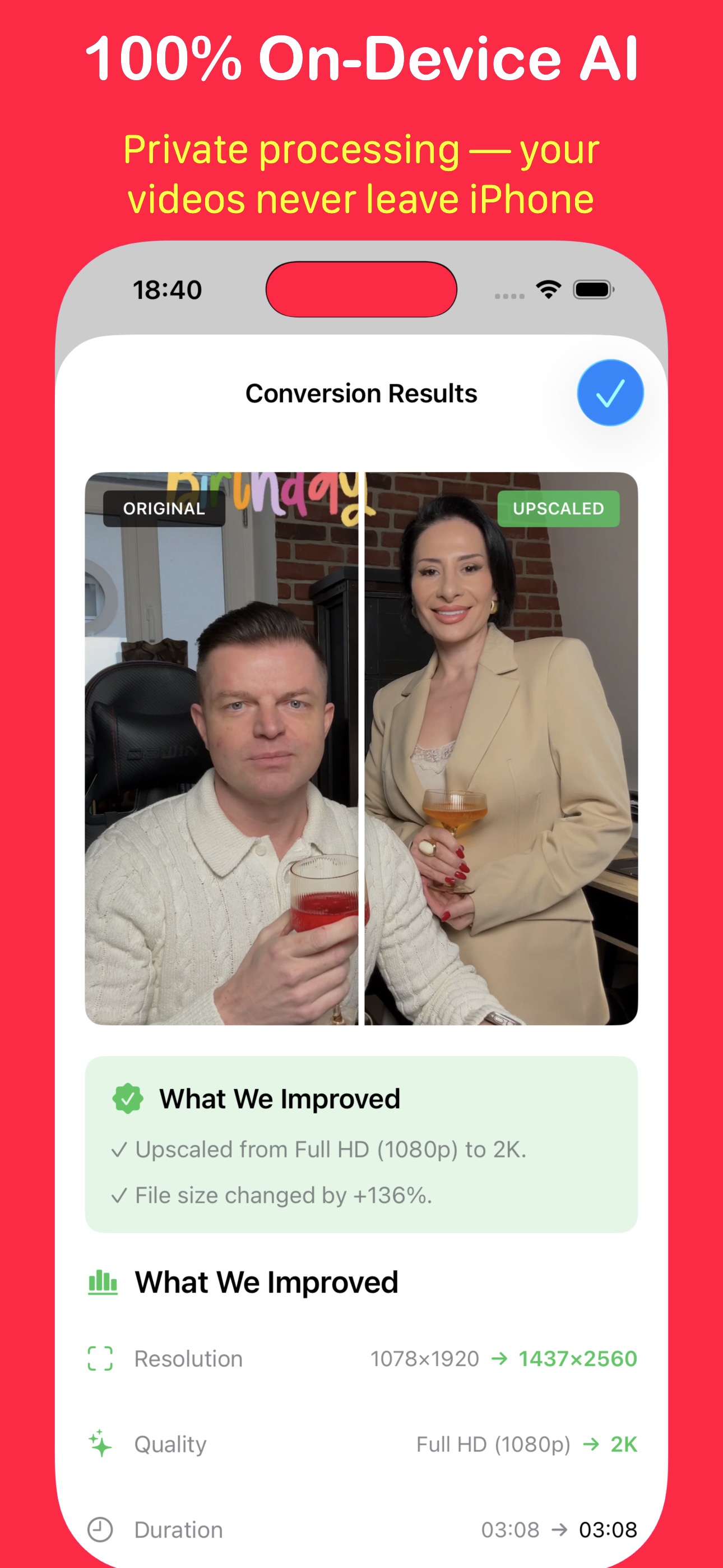
Your videos stay on your device. That matters for creator content, client footage, family videos, and anything privacy-sensitive.
 Video Upscaler 16K
Video Upscaler 16K enhances, restores, and converts footage entirely on-device. Improve blurry clips, old family videos, and creator content with AI models built for privacy-first mobile workflows. Free to try on iPhone and iPad.
The direct advantage is simple: dedicated video upscaling on iPhone, private by default. Instead of uploading sensitive footage to a third-party server, you can clean up, enlarge, and export locally on your own device.
Your videos stay on your device. That matters for creator content, client footage, family videos, and anything privacy-sensitive.
Upscale video, convert formats, and export higher resolutions without needing a desktop workflow or web service.
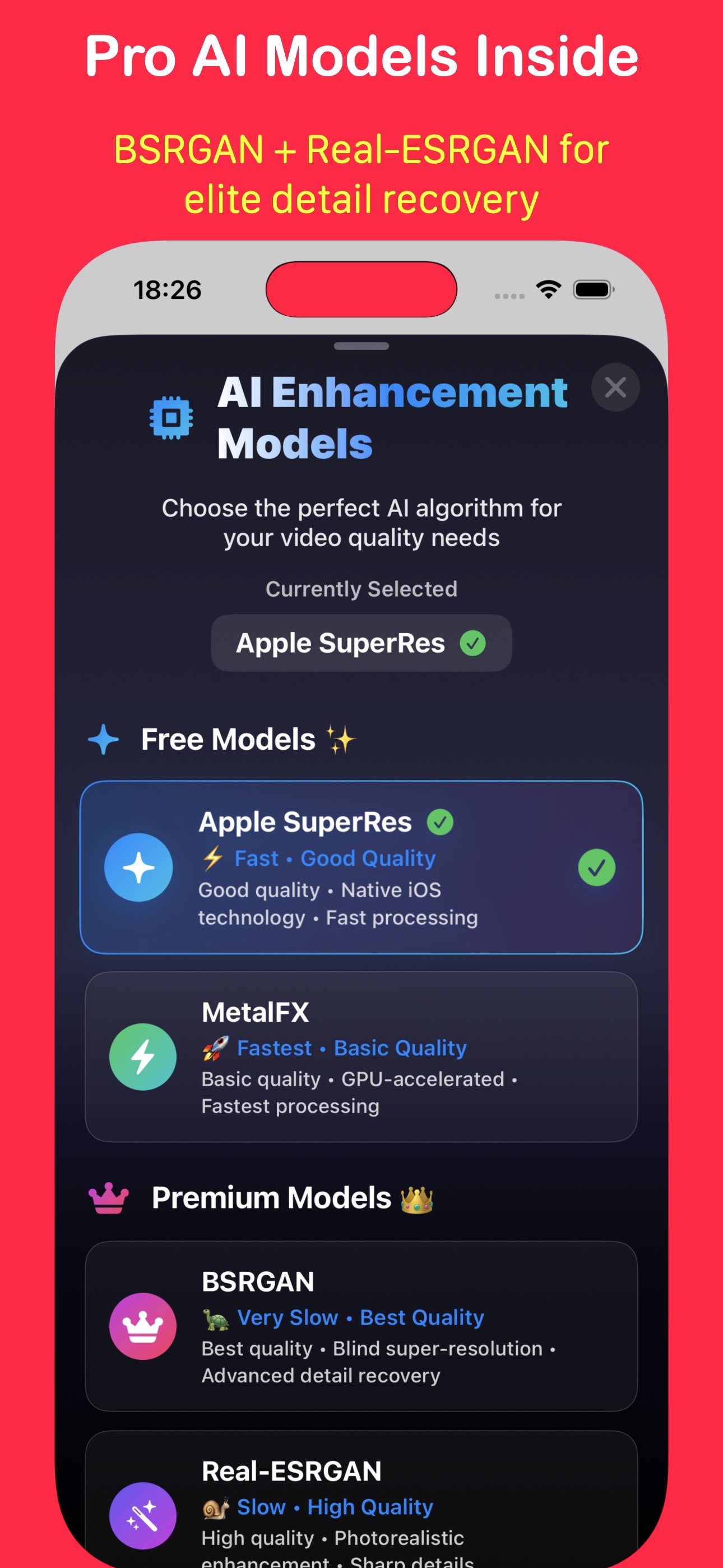
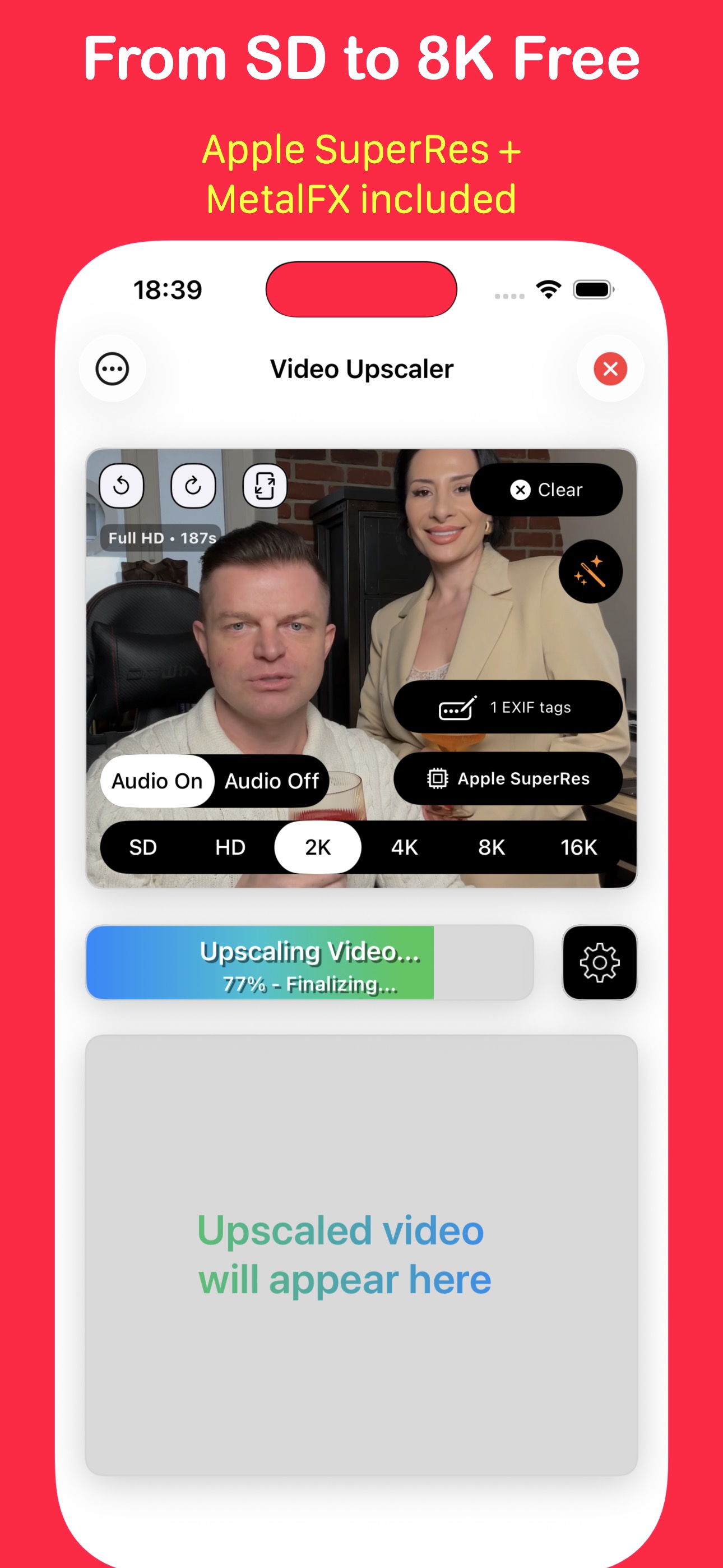
Use Apple SuperRes and MetalFX for speed, or switch to BSRGAN and Real-ESRGAN when detail recovery matters more.
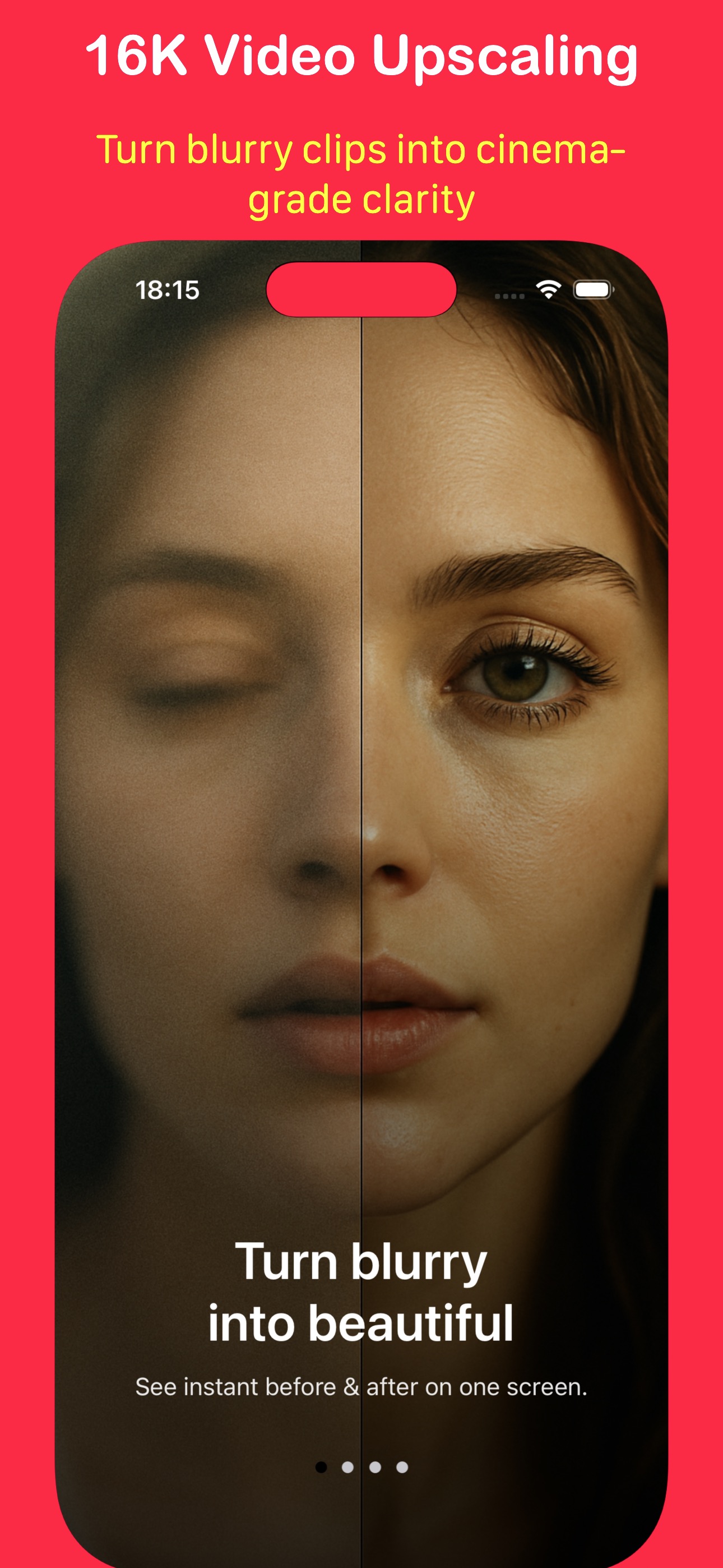
Enhance, recover, repair, and enlarge videos up to 16K while keeping everything local and private.
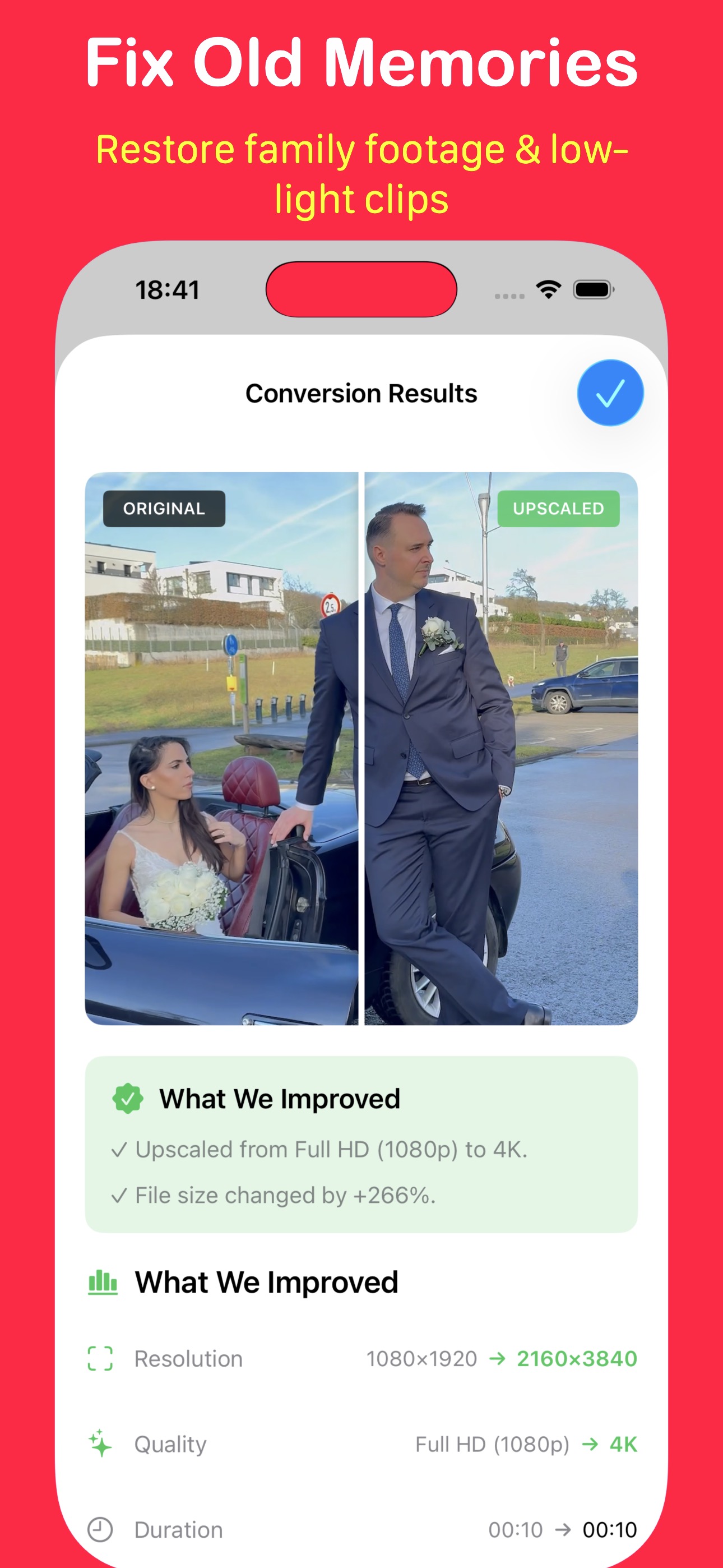
Convert SD/HD footage to 4K, 8K, and 16K cinema quality.
Change formats and resolutions locally without cloud upload.
Use Real-ESRGAN for photorealistic output and cleaner detail.
Use BSRGAN to restore exceptional detail and sharpness.
Fix blurry social clips and old family memories in a few taps.
100% on-device processing. Your videos never leave your device.
Popular searches: upscale video on iPhone, private video upscaler, video upscaler no cloud, AI video upscaler offline iPhone, fix blurry video iPhone privately.
Practical, no-fluff answers to the questions people actually ask about private video upscaling on iPhone.
The step-by-step tutorial: pick a clip, choose a preset and AI model, convert on-device — no cloud upload, no account.
Read the guideWhat actually happens to your footage in a cloud upscaler, and when local processing is the smarter architecture.
Read the comparisonA workflow for creators whose unreleased content and client footage must stay private until they publish it.
Read the workflowMedium articles covering the app, the privacy model, and the Apple graphics technology behind the upscaling pipeline.
A product and technology overview focused on bringing AAA-style upscaling ideas to iPhone video workflows.
Read on MediumAn explainer on why cloud video tools can be a problem and why fully local processing is a meaningful product difference.
Read on MediumA technical breakdown of using Apple’s game-focused upscaling framework for pre-recorded video enhancement on iOS.
Read on MediumMonthly and yearly plans unlock premium AI models, high-resolution exports, the video editor, and metadata tools. Subscription renews automatically unless canceled at least 24 hours before the end of the current period. Payment is charged to your iTunes Account. You can manage or cancel anytime in iTunes settings.
No refunds for unused portions. Free trial portions are forfeited upon purchase where applicable.
Terms of Use: kovallux.com/imprint • Privacy Policy: kovallux.com/privacy-policy
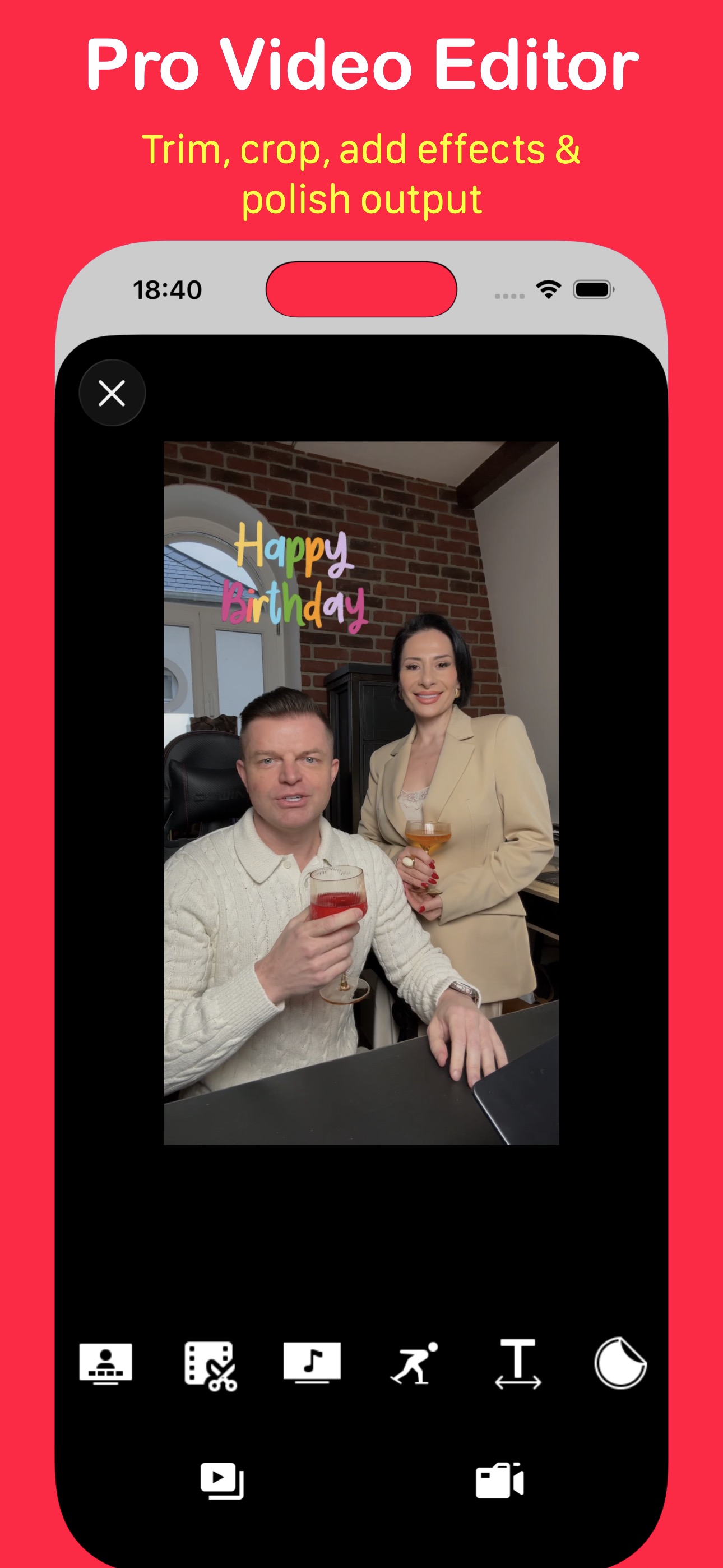
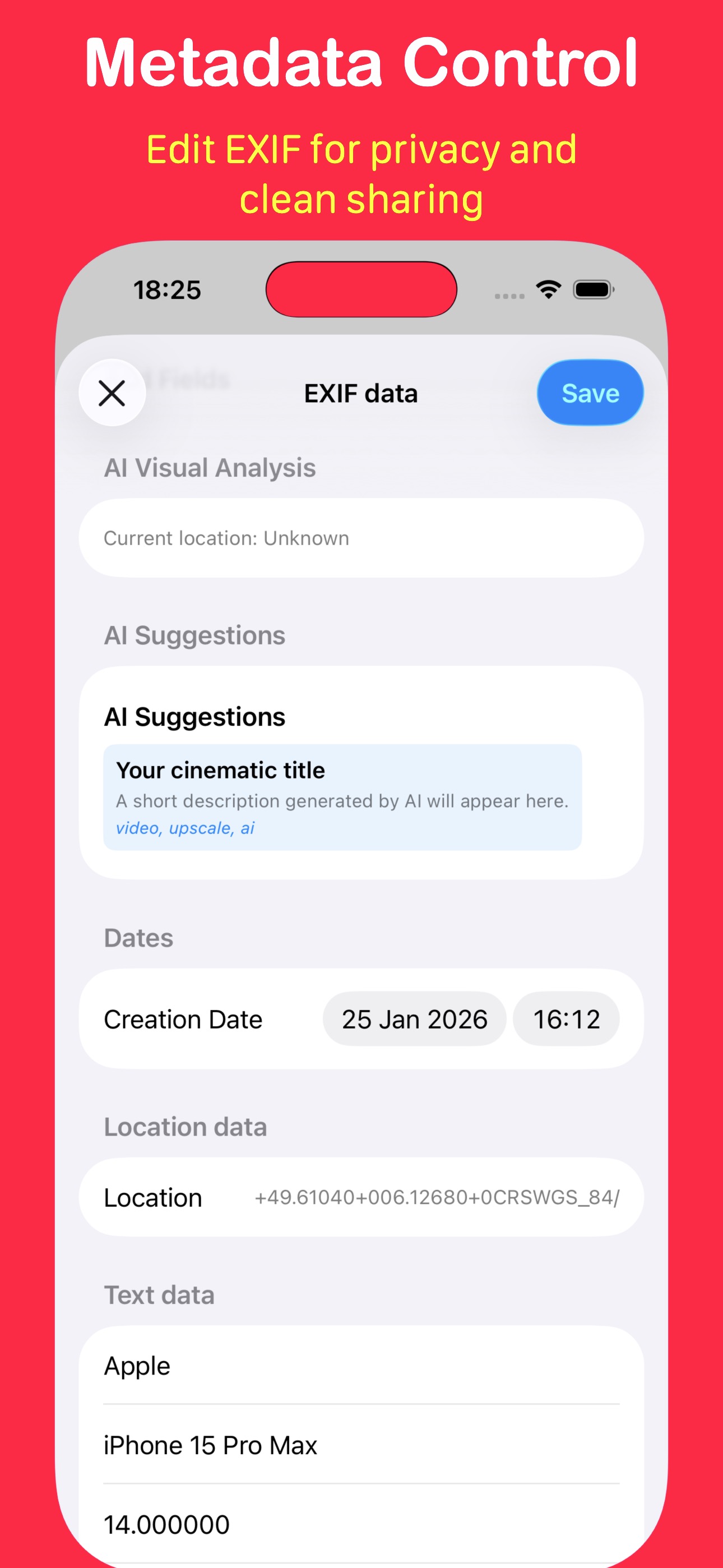
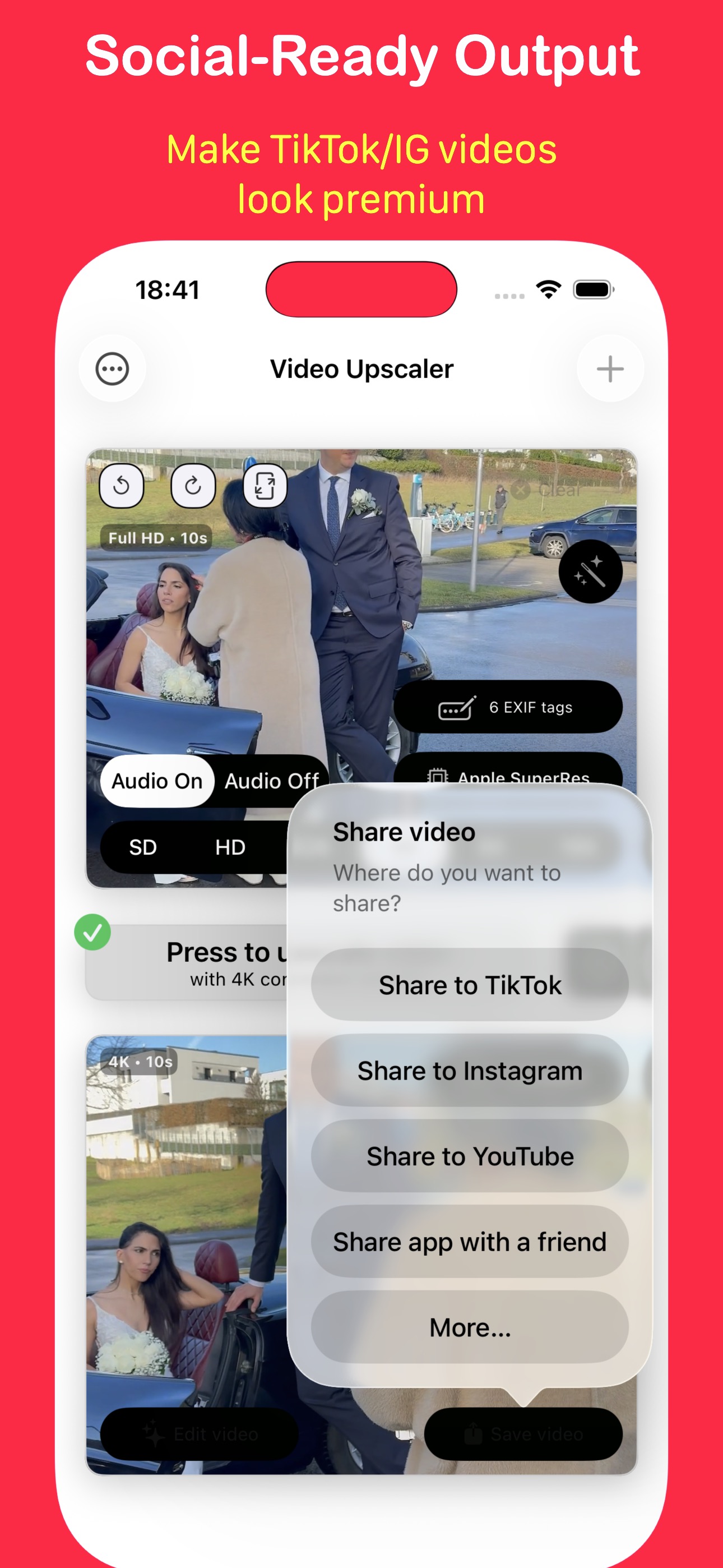
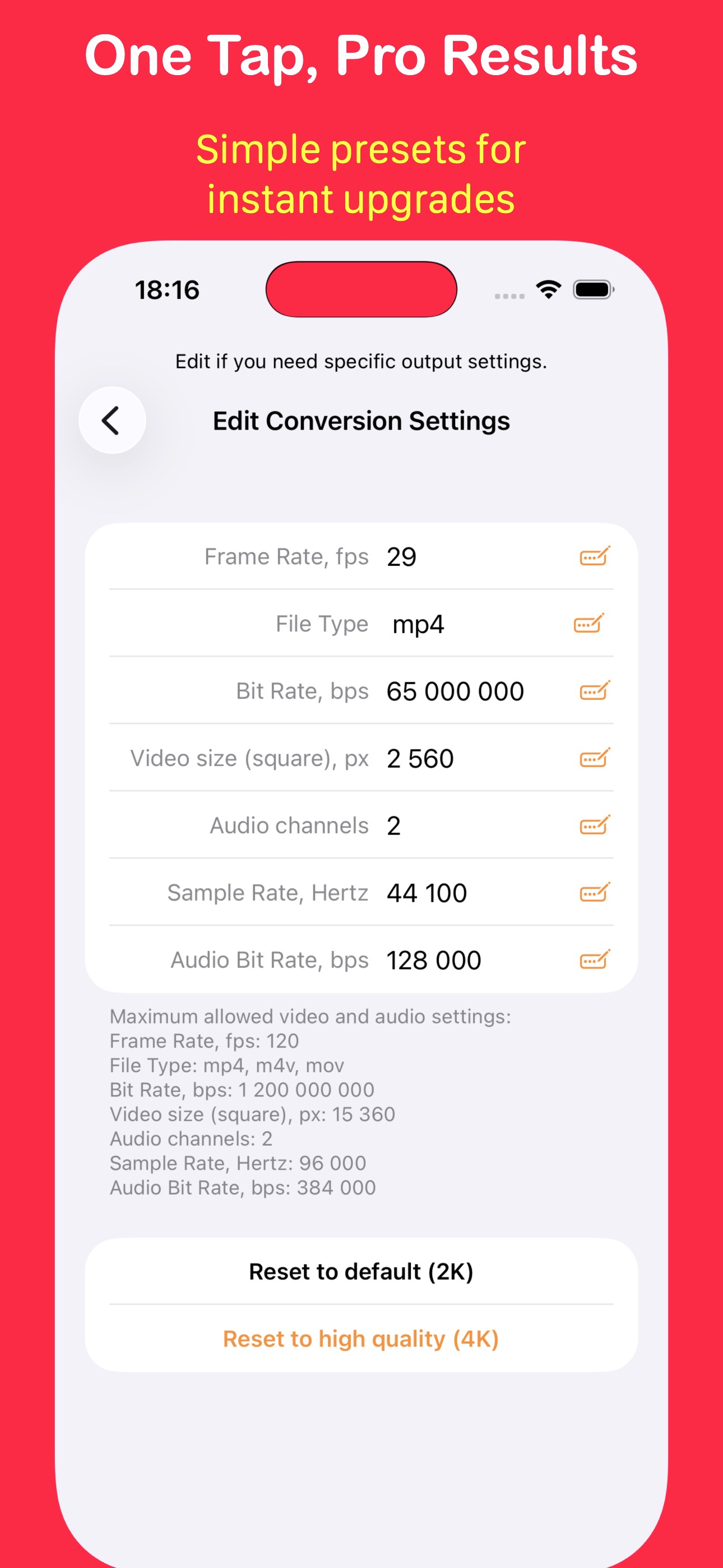
Real product screens from the App Store set (v6) so users can see exactly what to expect.

Install Video Upscaler 16K & Converter and start improving your footage now.